
MULTI PHOTO
Take several site photos in sequence, then review the set before saving it to your project.
Learn multi-photo capture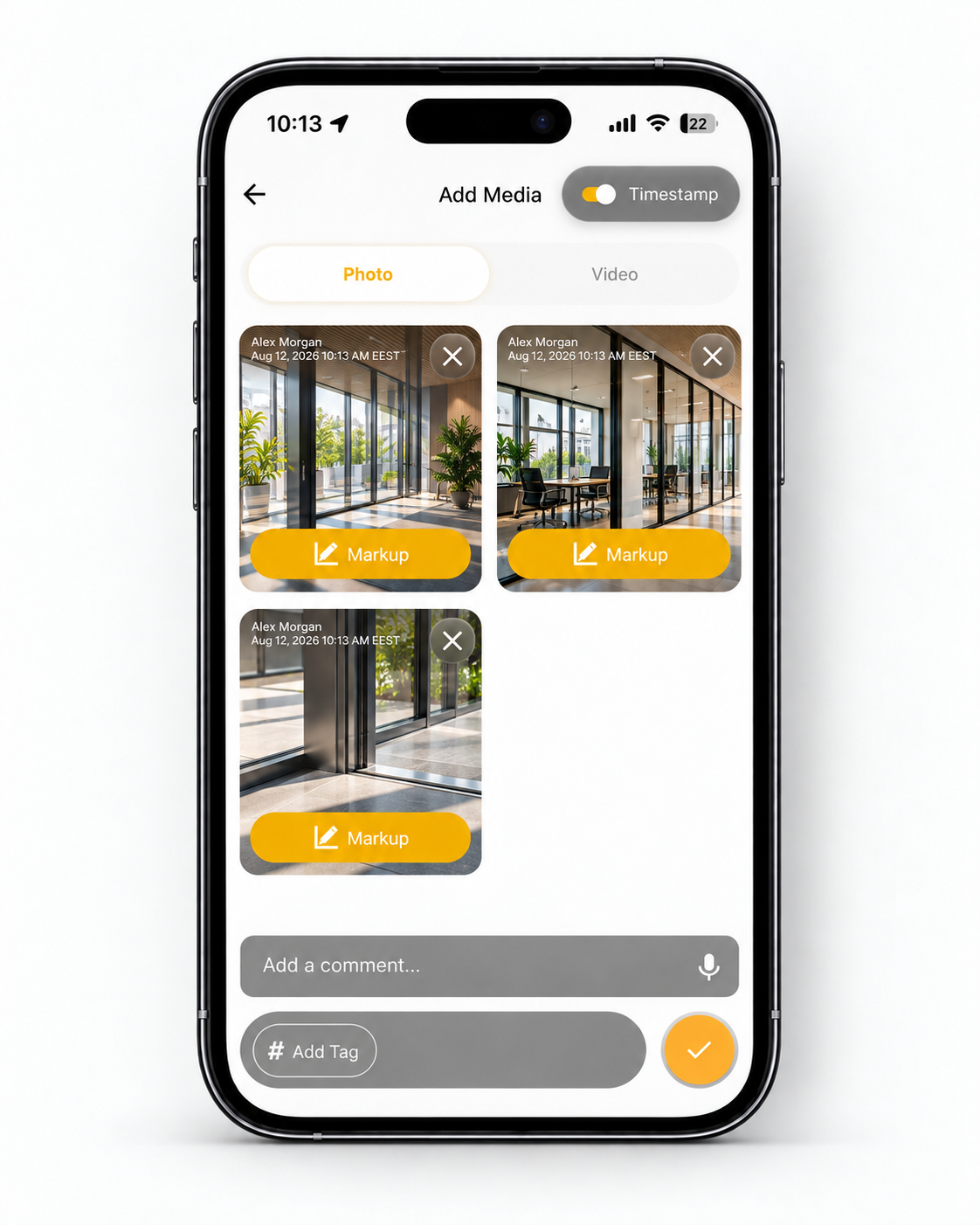
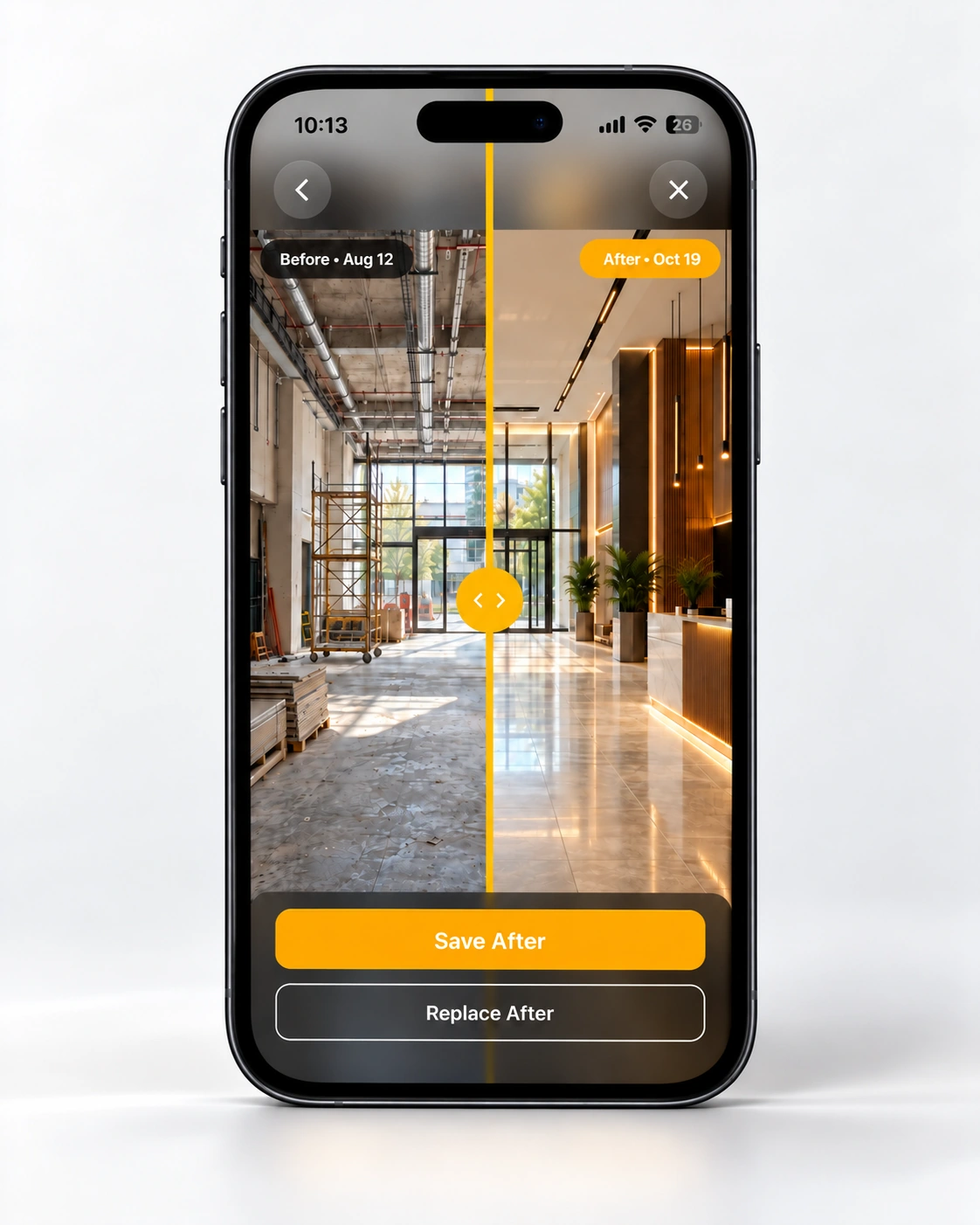
BEFORE & AFTER
Compare before and after construction photos with Filio Data Collector. Use an earlier image as a reference, then follow AI-assisted scene matching and a live reference overlay to frame a later capture. Alternatively, choose an existing After photo from Filio Gallery. Review the paired images with the comparison slider to document visible site changes over time.
Choose a reference. Add a later view. Compare and save.
Review the dates and viewpoint; lighting and framing can affect the comparison.
For reviewing records across site visits, read Construction progress documentation.
Need to organize and find project photos? Explore Construction photo management.
360° DOCUMENTATION
Filio brings 360° construction photos into your project records. Capture site conditions with a compatible 360 camera, then review the surrounding scene in the web viewer alongside available photo details.
Keep wider site views alongside the rest of your project documentation.
Learn more: Why 360° photo documentation matters
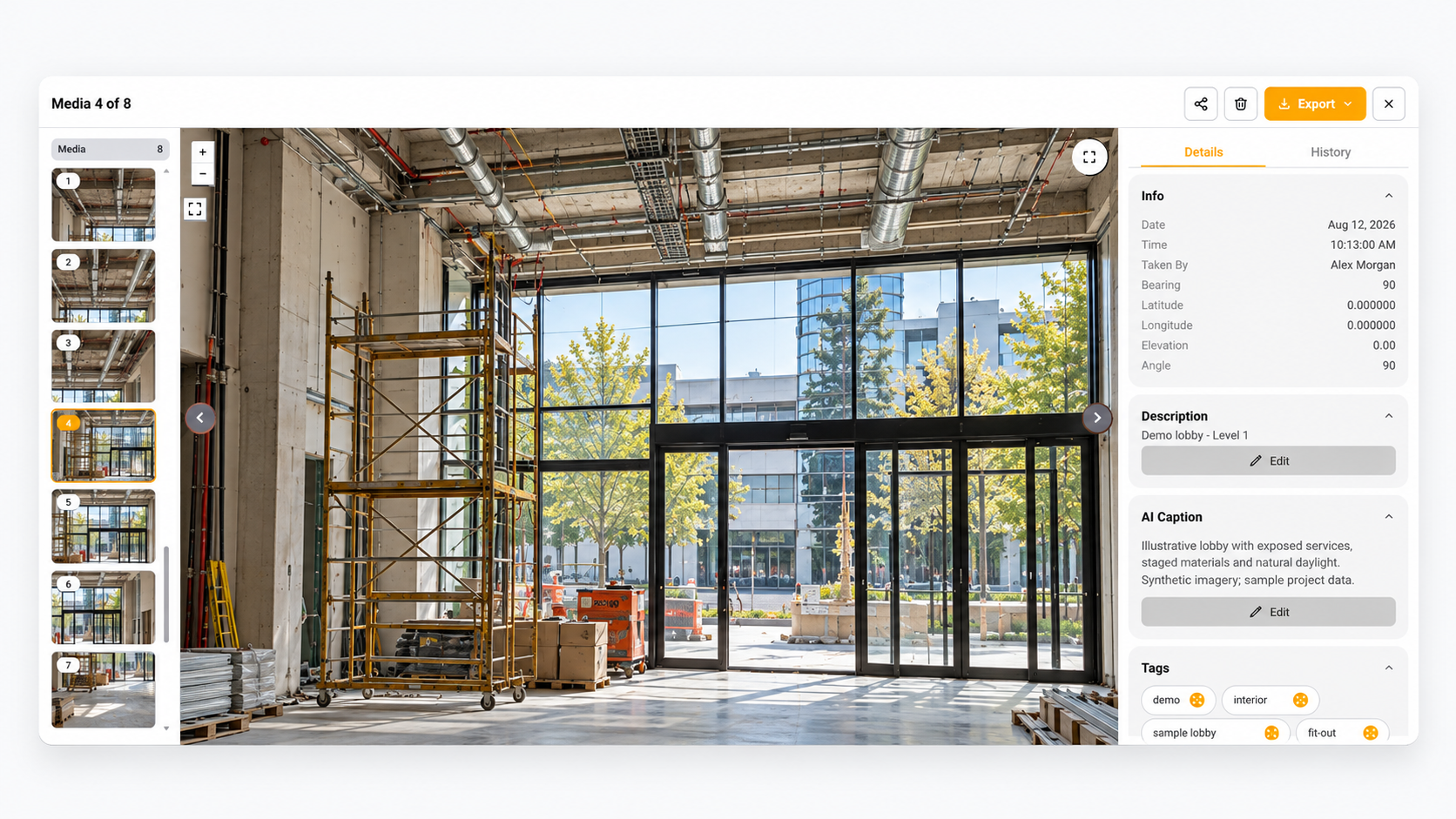
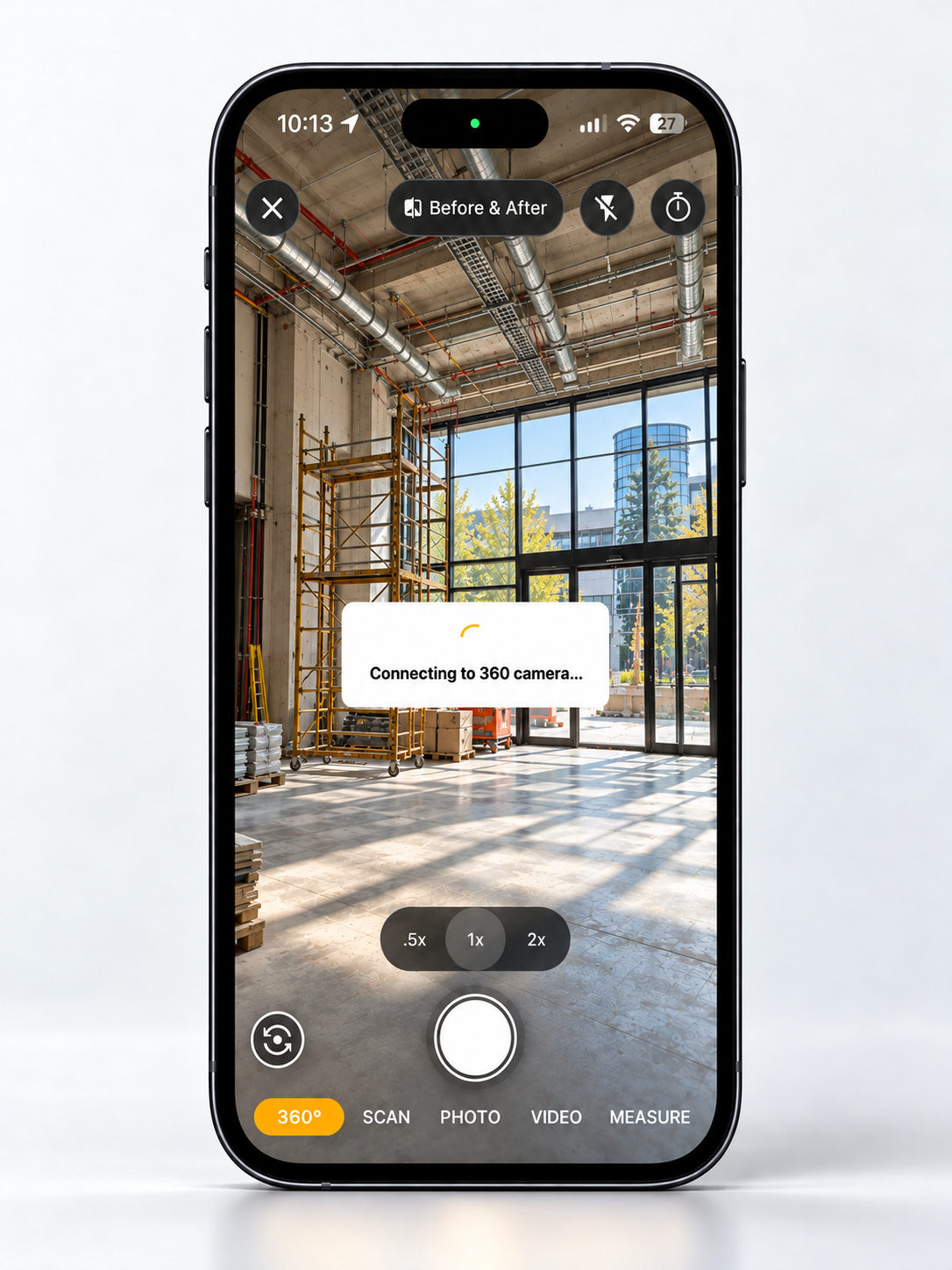
Illustrative imagery and sample project data.
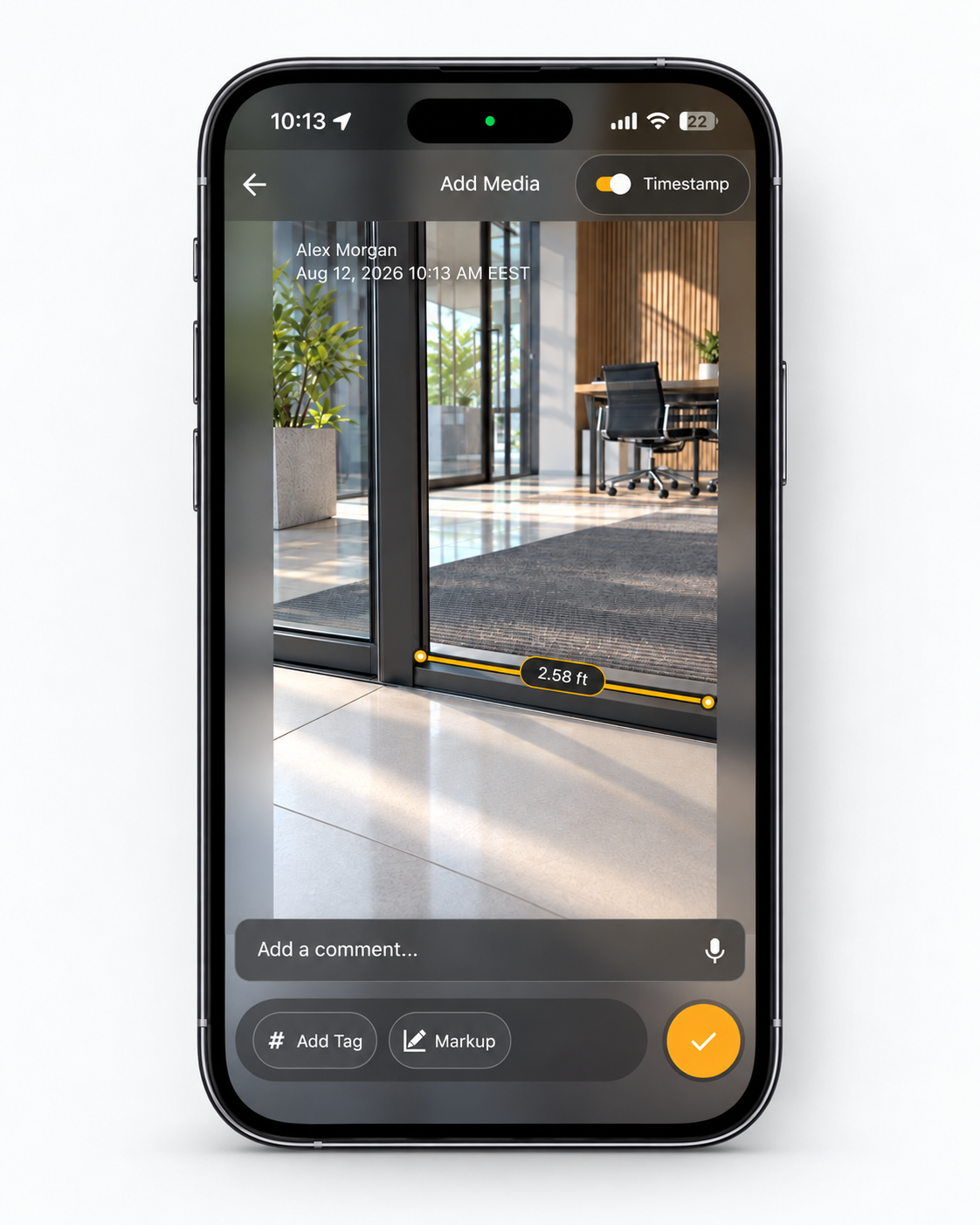
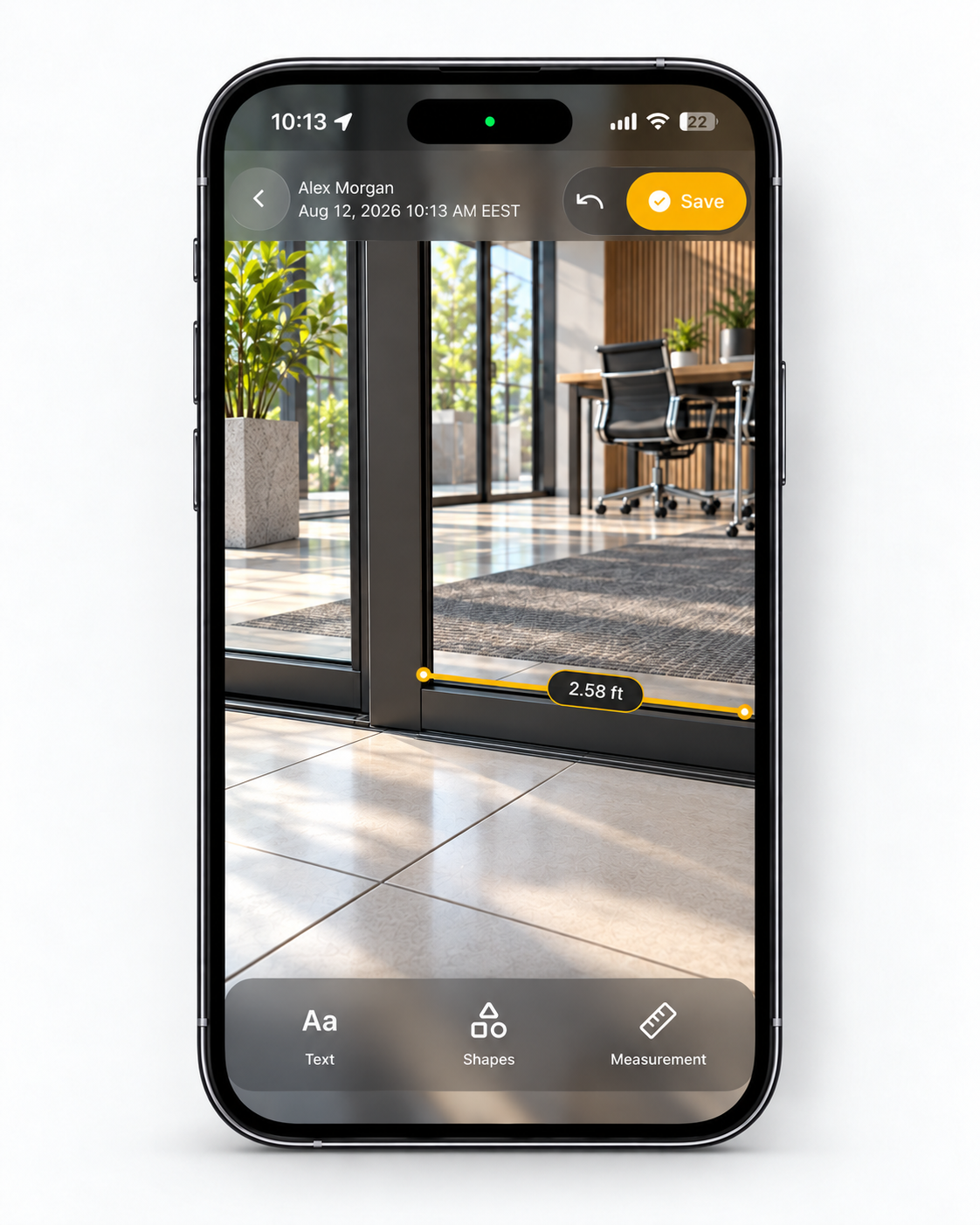
FIELD MEASUREMENTS & MARKUPS
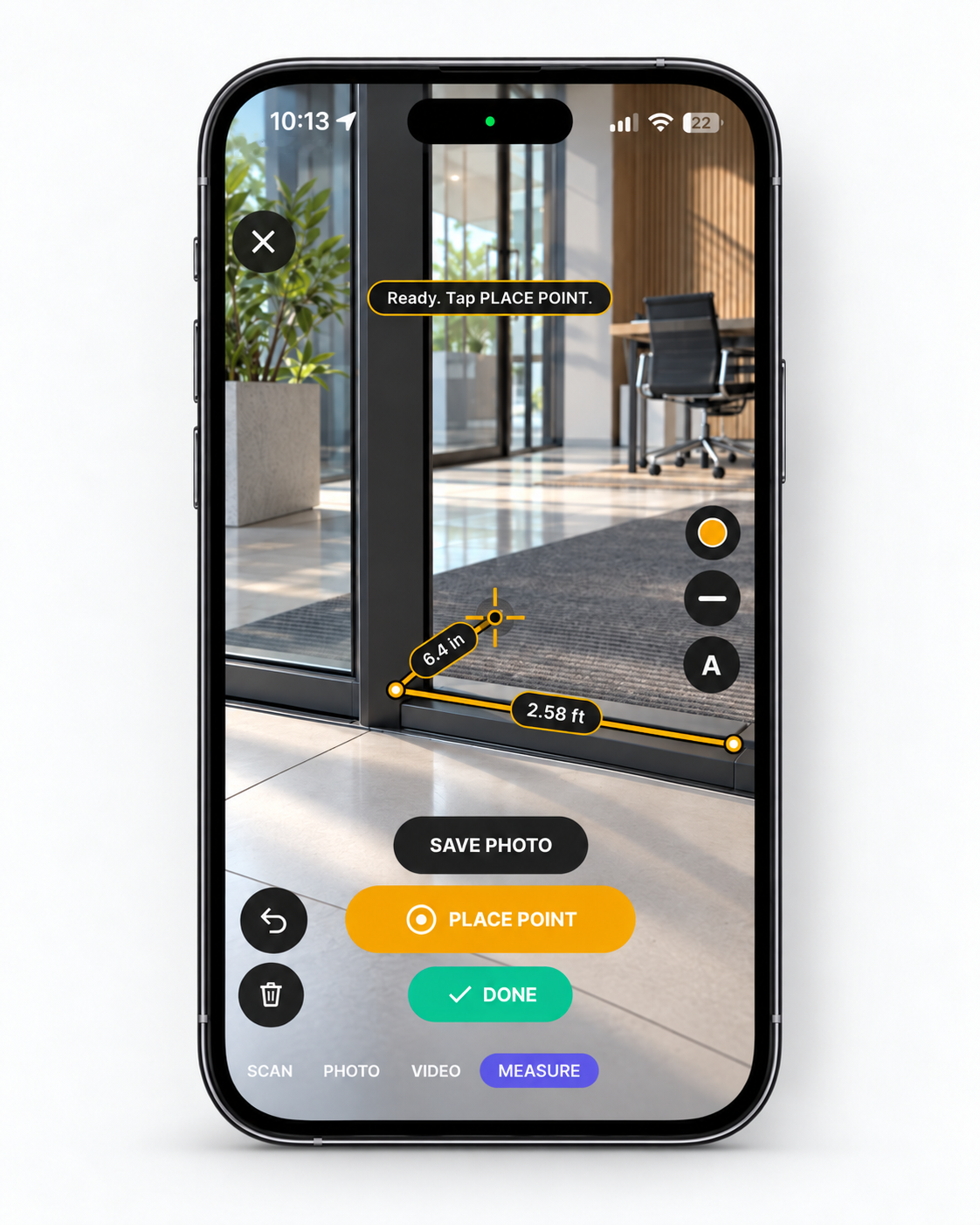
Capture approximate length and area measurements in Filio and save the results with your project photos. Add comments or markup to explain site details, or reopen a photo from your project gallery to add markup.
Measurements are approximate and should be verified with appropriate field tools when precision is critical.
FIELD CAPTURE TOOLS
Capture several photos, set a timer, record video, or add existing files to your Filio project. Choose the right format for the details you need to document.
Take several site photos in sequence, then review the set before saving it to your project.
Learn multi-photo captureSet a countdown before taking your next project photo, giving yourself time to frame the shot.
Set a capture timer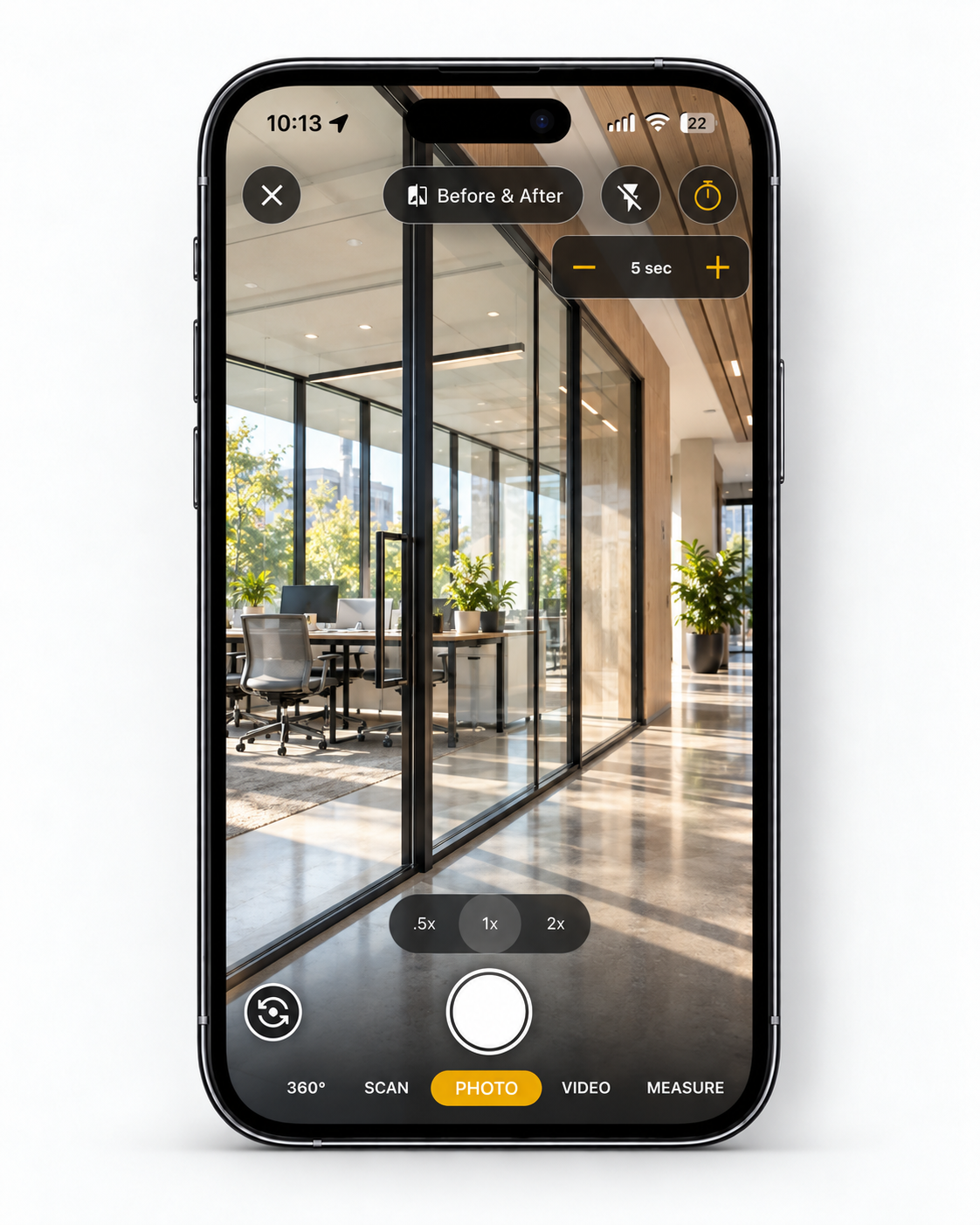
Record site activity or a walkthrough. Turn the video’s spoken observations into searchable text in Cloud Media, and add a separate description when more context is needed.
Explore video transcription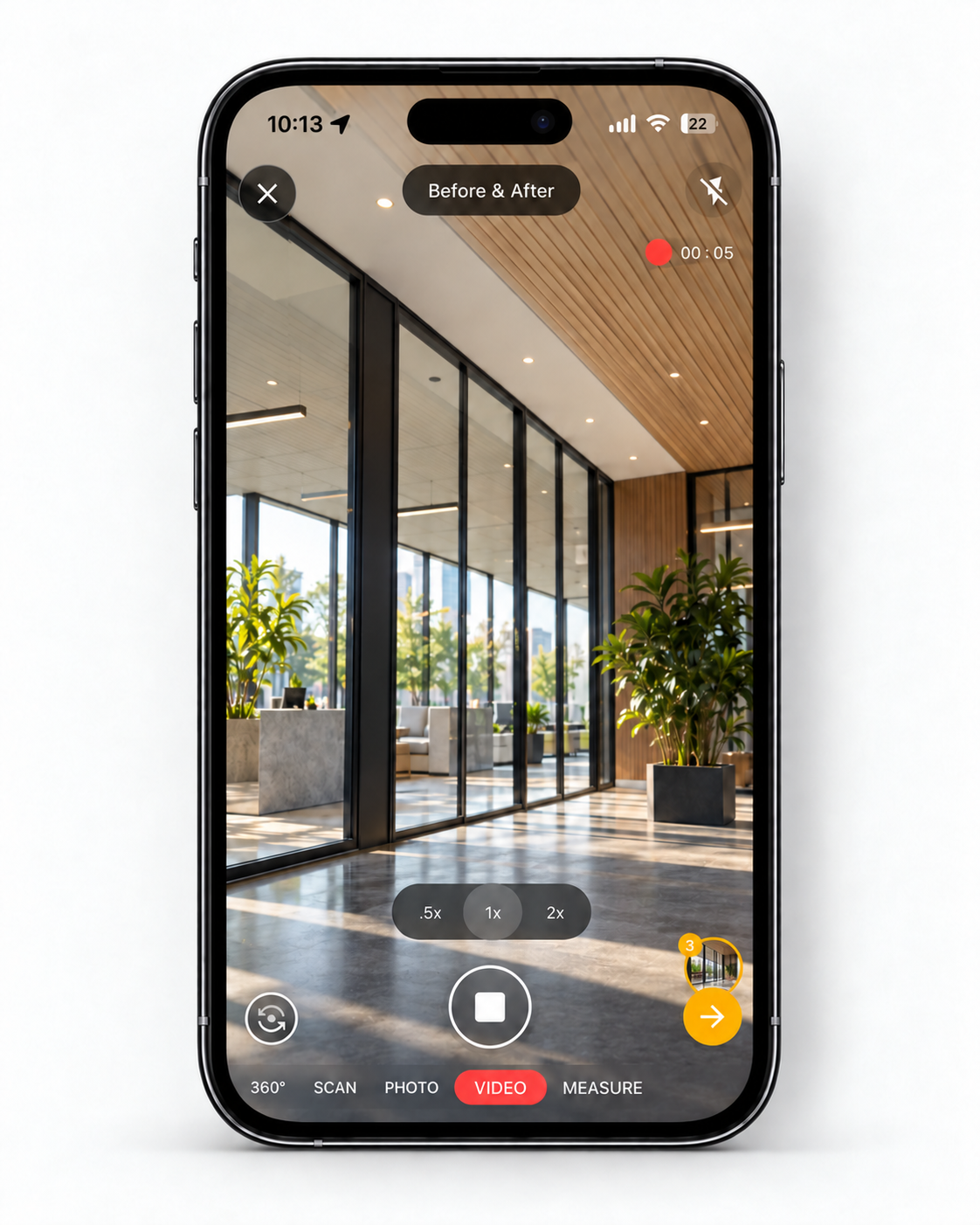
Add photos, videos, and documents already on your device to the selected Filio project.
Import photos, videos, and documents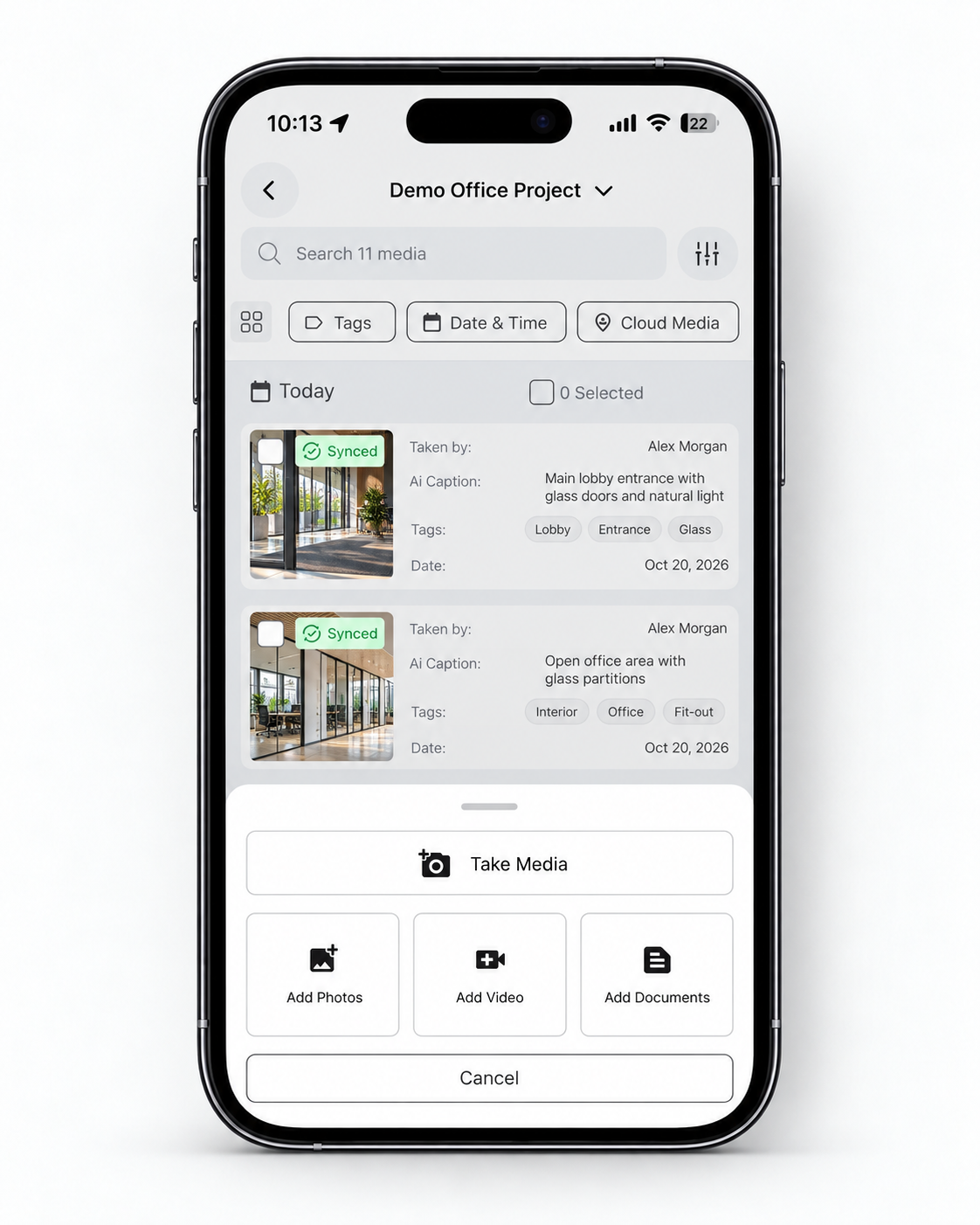
Illustrative project imagery and sample data.