


Illustrative workflows, not a feature-availability matrix.
Choosing between Filio and OpenSpace starts with the work your team needs to capture, find, review and report. Filio supports organized field records and selected-record reporting; OpenSpace emphasizes visual intelligence across capture and coordination workflows. Their capabilities overlap, so test the tasks, outputs and access requirements that matter to your team. This comparison is a workflow-fit guide, not a ranking.
Why project context matters
A photo is more useful when reviewers can understand its location, date and project context, and find related records. Compare how each platform supports those tasks and the reports your team needs. People remain responsible for interpreting project records and making technical, contractual or inspection decisions.
A project-based pilot checklist
Use the same project tasks in each pilot. Measure capture and retrieval effort, inspect report outputs, and check access and connectivity under realistic conditions.
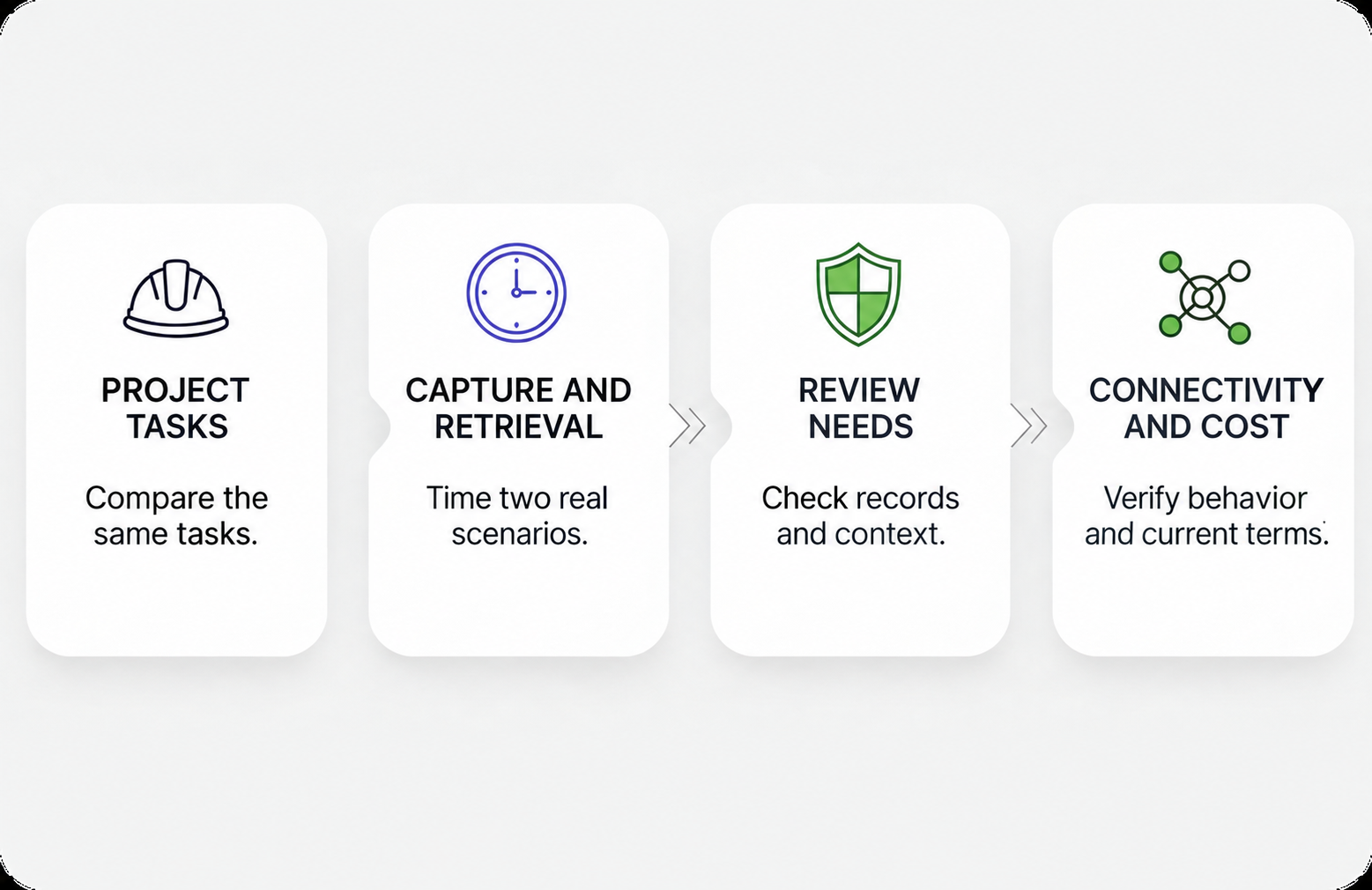
1. Define the tasks to compare
Test a repeatable capture and location-review task. Test a targeted record collection and reporting task. Use the same scenarios in both platforms rather than excluding either from a workflow before testing.
2. Choose two real scenarios and time them
- Scenario A: Capture time (field effort per area, per day).
- Scenario B: Retrieval time (how long it takes to find evidence for a question from last week).
3. Define the information your reviewers need
Check whether the report contains the required records, dates and context. Ask reviewers to locate the related records. Software organization is not evidence certification.
4. Validate connectivity realities
- If you routinely work in low connectivity environments, verify exactly what still works offline and how sync behaves when connection returns.
- If voice-driven notes and AI note entry are a priority, validate how dependent that workflow is on a data connection.
5. Check commercial terms against your rollout plan
Request a current quote for your intended users, projects, capture methods and modules. Confirm limits, implementation needs, access permissions and contract terms before comparing total cost.
What each platform does
Filio supports field documentation with photos, videos, supported 360 media, scans and documents, location and plan-sheet context, tags, retrieval, and PDF or Word reporting. These capabilities support project records for human review; they do not certify evidence or determine an inspection outcome.
OpenSpace is a visual-intelligence platform for construction. Its documented workflows include reality capture, plan-linked review, BIM coordination and Field Notes. Available features and access depend on the selected product and package.
Workflow comparison
| Workflow question | Filio | OpenSpace |
|---|---|---|
| Workflow emphasis | Field records, project context, retrieval and selected-record reporting. | Reality capture, spatial review and coordination workflows. |
| Capture and context | Photos, videos, supported 360 media, scans and documents; maps and plan-sheet context. | 360 and other supported capture inputs; floor-plan mapping and documented BIM workflows. |
| AI and retrieval | AI-assisted captions and labels; metadata and tag-based retrieval. | Spatial mapping and media AI search; AI Voice Notes have access and connectivity limits. |
| Reporting | Selected records in customizable existing layouts; PDF and Word output. | Native PDF reporting, sharing and exports. |
| Integrations and roles | Confirm required connections and recipient access for the chosen workflow. | Named integrations and role-specific permissions; confirm package access. |
| Connectivity | Verify the required tasks in a pilot; no offline advantage is claimed here. | Feature-specific: downloaded BIM models offline; AI Voice Notes need data. |
| Commercial terms | Request current scope, limits and a quote for the planned rollout. | Core and Enterprise tiers; quotes based on ACV and package. Confirm modules and terms. |
Workflow emphasis and overlap
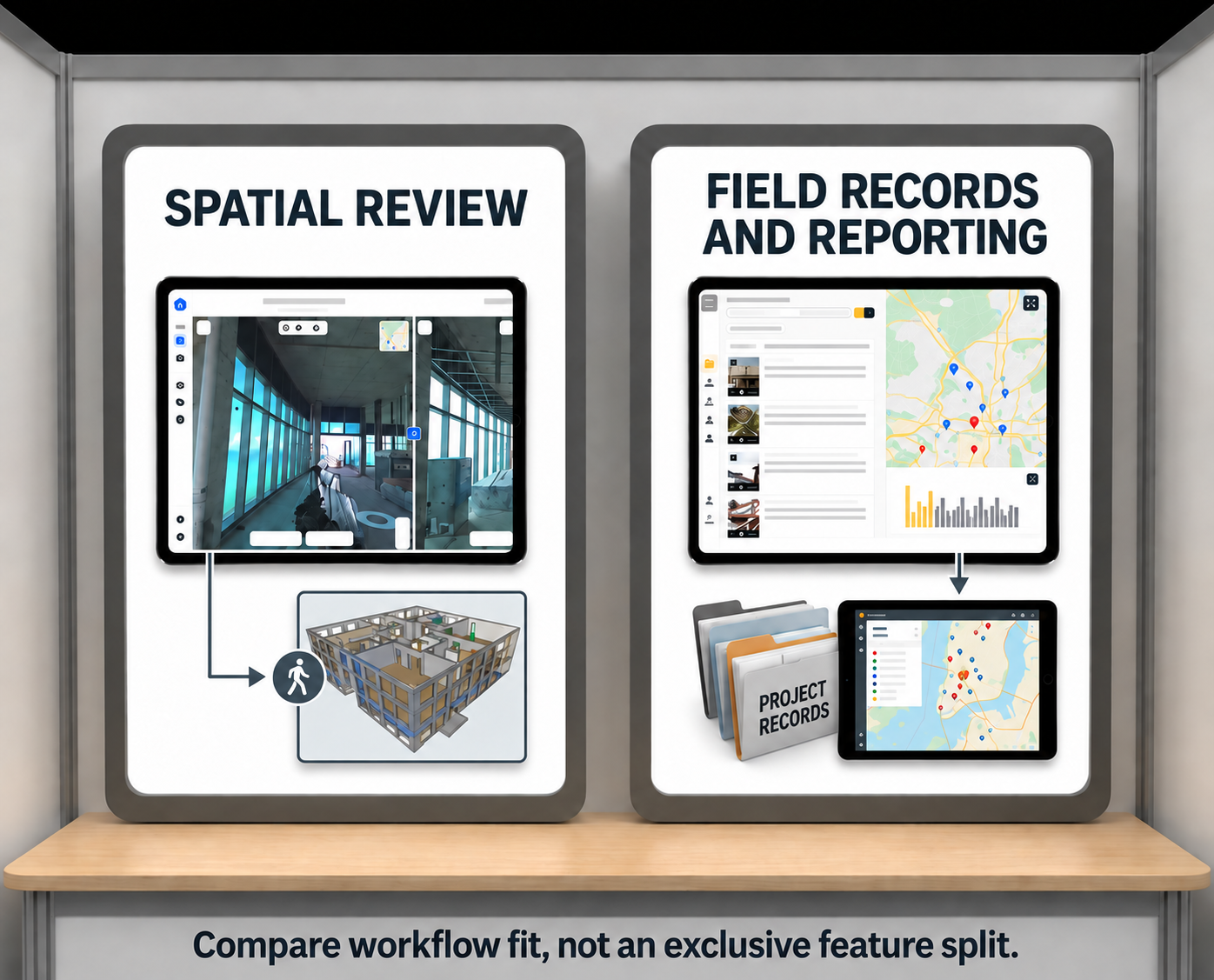
Capture, context and AI assistance
Mapping and plan context
Compare how each platform connects records to location context.
OpenSpace
OpenSpace maps captures to floor plans for review by location and date. It also documents BIM coordination workflows; confirm the product and package needed for your use case.
Filio
Filio supports map and plan-sheet context for project records. Test whether that context helps your team locate and review the records needed for its work.
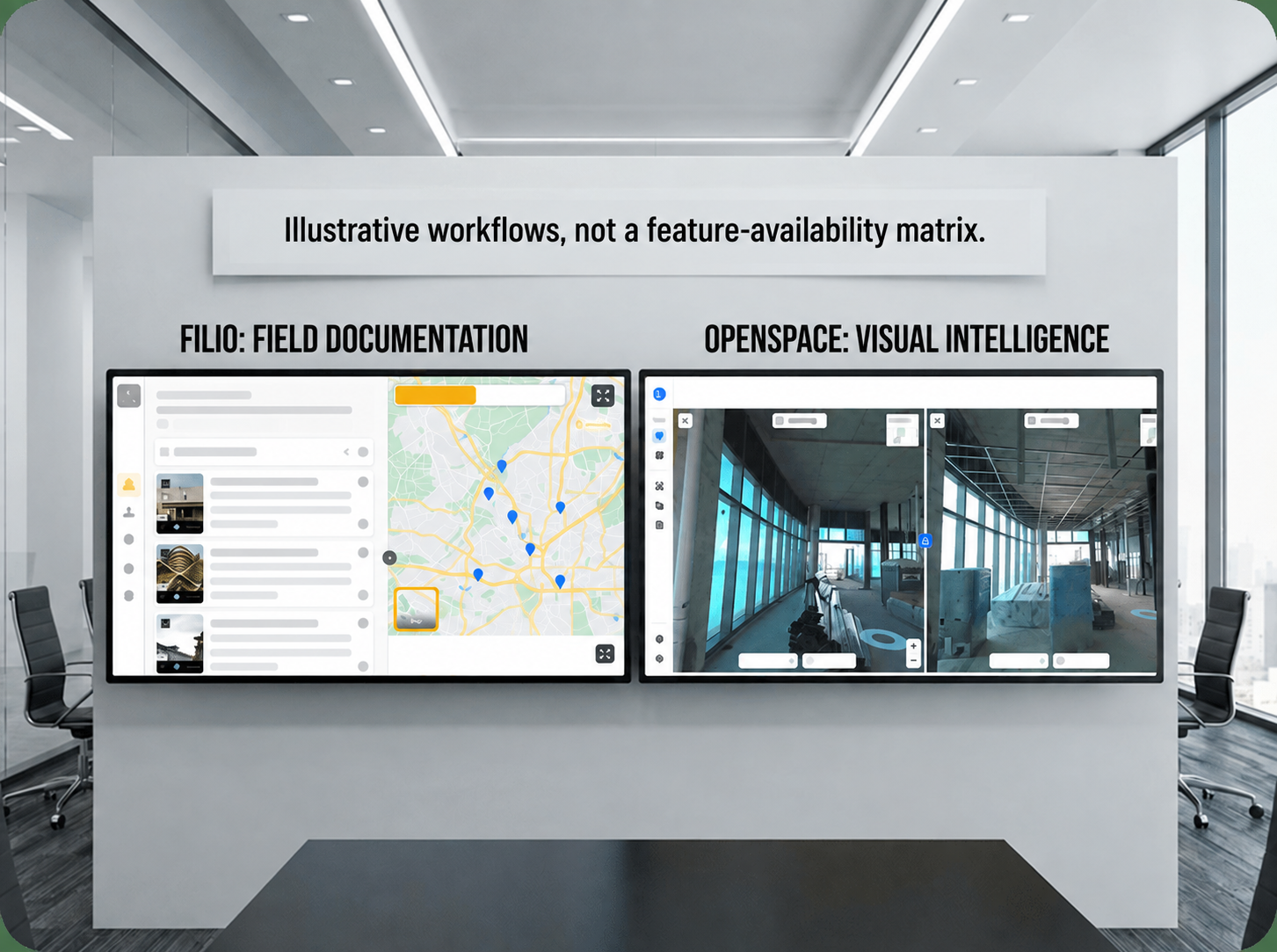
AI assistance and retrieval
Test AI assistance against a specific task and review its output. A feature label alone does not establish accuracy or time savings.
Filio
Filio provides AI-assisted captions and labels alongside project metadata and tags. Review generated text for accuracy before using it in project records or reports.
OpenSpace
OpenSpace documents spatial mapping and natural-language AI search for media. Its AI Voice Notes can help populate Field Notes, but the help page specifies a data connection and regional and access restrictions. Confirm availability for your deployment and review generated notes.
Capture inputs and hardware
OpenSpace
OpenSpace supports 360 capture and other inputs, including smartphones, drones and laser scanners. Match your intended capture method to its supported hardware and workflow requirements.
Filio
Filio supports photos, videos, supported 360 media, scans and documents as project records. A useful pilot is to organize records from one task, retrieve them using their context and tags, and select the records needed for a report.
Pricing and rollout scope
Pricing often becomes the deciding factor. The pricing model matters as much as the number.
OpenSpace currently lists Core and Enterprise tiers with ACV-based quotes. Confirm the selected modules, limits and terms. For Filio, consult the current plans page and request a quote for your intended workflow. This comparison does not provide verified numerical prices, unlimited-use entitlements or a cost winner.
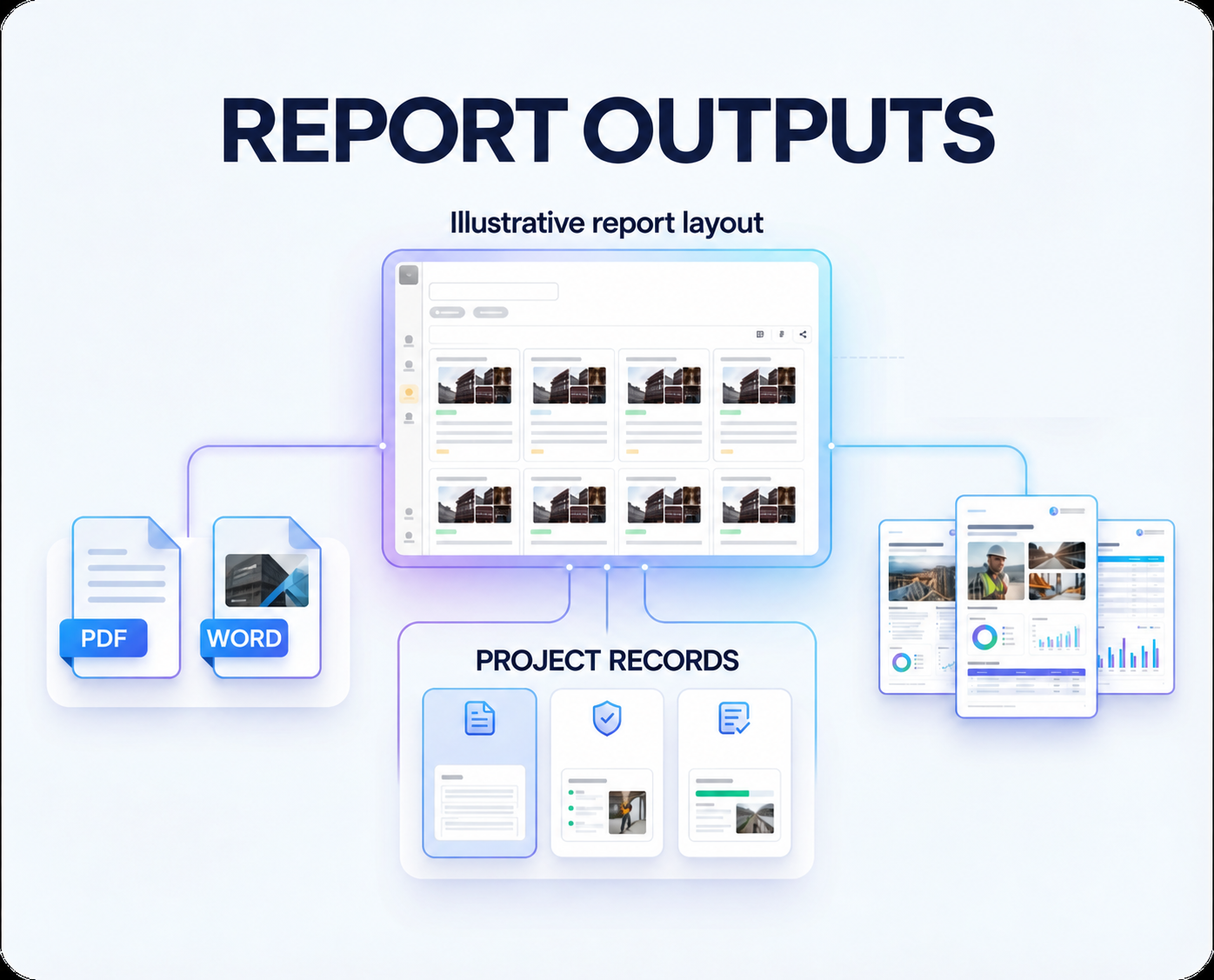
Reporting outputs
Compare the report each platform produces for the same project question.
Filio
In Filio, teams can select project records, customize an existing report layout and export PDF or Word reports. Check the resulting report against the information your reviewer needs.
OpenSpace
OpenSpace also provides native PDF reporting, sharing and exports. Compare an actual output from each platform rather than assuming reporting requires an integration.
Integrations and reviewer access
OpenSpace
OpenSpace lists integrations with Procore, Autodesk and Revizto. Verify the exact workflow, permissions and package access your team needs, rather than assuming every connection is available to every user.
Filio
For Filio, start with the documented PDF and Word report outputs and test the intended sharing path with your recipients. Confirm any required integration, access permission or account requirement before committing to a rollout.
Connectivity and field use
Check the tasks your team needs under its actual site conditions.
OpenSpace
OpenSpace offline behavior is feature-specific. Its mobile BIM viewer supports downloaded models offline, while AI Voice Notes require data. Test your required capture, review and note-taking tasks separately.
Filio
For Filio, test capture, retrieval and reporting under the connectivity conditions your team actually faces. Confirm offline and synchronization behavior for the specific workflow; this comparison does not establish an offline advantage.
Choose through a workflow-based pilot
Evaluate OpenSpace for your workflow
Evaluate OpenSpace for spatial capture and review, BIM coordination or connected construction workflows that match its documented products.
Evaluate Filio for your workflow
Evaluate Filio for organizing field records with project context and preparing selected records for PDF or Word reporting.
In either pilot, check capture, retrieval, reviewer access, outputs, connectivity and the current commercial offer.
Discuss your documentation workflow
Bring a representative capture task and a report requirement to the conversation. Discuss your workflow with Filio.


